
The Future of Secure Online Exams Is Here
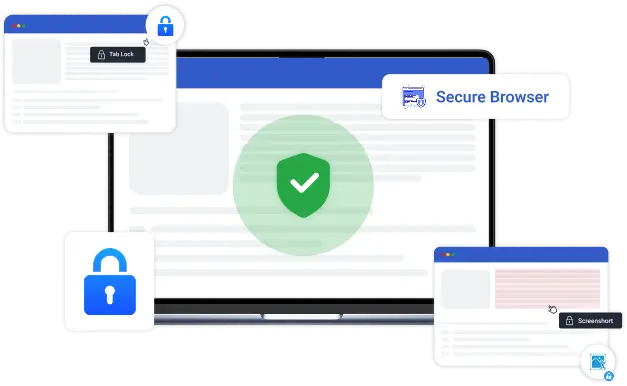
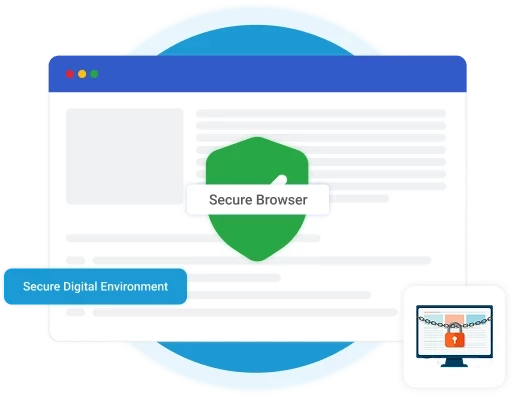
BlinkExam Secure Browser is a locked-down exam application that restricts other programs, browser tabs and screen capture while a test is in progress. Candidates stay in a controlled environment until the exam is submitted.
One Browser. Infinite Security. Ultimate Control.
In today's digital-first education era, exam security is more crucial than ever. The BlinkExam Secure Browser transforms how institutions conduct online tests by creating a locked-down exam environment. Unlike ordinary browsers, BlinkExam Secure Browser blocks unauthorized access — preventing candidates from opening new tabs, switching applications, or using external tools during exams.
Our browser integrates seamlessly with the BlinkExam Online Examination Platform, enabling administrators to manage, monitor, and evaluate exams in real-time — without worrying about cheating, system compatibility, or connectivity disruptions.
Cross-Platform Power. One Unified Experience
We understand that every school, institute, and college uses different systems — that's why BlinkExam ensures full compatibility across all major operating systems. Whether your candidates use Windows PCs, MacBooks, Linux systems, or prefer our Chrome Extension Browser, BlinkExam guarantees uniform performance and consistent security.

Windows Secure Browser
The most advanced lockdown mode with complete tab, app, and screen control.

MacOS Secure Browser
Optimized for smooth performance and full-screen focus mode on Apple devices.

Linux Secure Browser
Lightweight, fast, and ideal for users who prefer efficient, open-source operating systems.
Security That Goes Beyond Restrictions — It Builds Trust.
Every element of the BlinkExam Secure Browser is designed for absolute integrity, seamless performance, and ease of use. Advanced Security Capabilities.

Complete Lockdown Mode
Prevents switching between tabs, applications, or browsers during the exam.

Anti-Cheating Mechanisms
Automatically blocks screen recording, screenshot tools, and copy-paste functions.

Unauthorized App Detection
Identifies and terminates suspicious apps running in the background.

Camera & Mic Integration
Optional candidate monitoring through webcam and mic access.

URL & Shortcut Blocking
Restricts access to external sites, search engines, or shortcut keys (Alt+Tab, Ctrl+C, etc.).

Optimized for Low Bandwidth
Ensures stable operation even on limited internet connectivity.

Centralized Control Panel
Admins can remotely configure browser settings, monitor sessions, and view activity logs.

Live Monitoring Dashboard
Observe candidates in real time with instant alerts for violations or unusual behavior.

Automatic Updates
Ensures every exam session uses the latest, most secure version — no manual setup required.

Lightweight Performance
Consumes minimal resources, ensuring smooth function even on low-end systems.

Multi-Language Support
Works globally with configurable language preferences for diverse users.
Trusted by India's Leading Universities, Schools and Corporations
Thousands of Universities, Schools, & Corporations rely on BlinkExam to deliver secure, large-scale examinations effortlessly.
Whether it's a university semester exam, corporate hiring test, or government recruitment drive — BlinkExam Secure Browser ensures credibility and fairness in every session.



Why Users Love BlinkExam

Scalable for small and large candidate groups

Seamless integration with LMS & ERP systems

AI-powered analytics & instant result generation

Real-time candidate monitoring & flagging

Support and onboarding assistance
Your Digital Exams, Reinvented for the Future
Say goodbye to exam anxiety, cheating, and unstable software. With BlinkExam Secure Browser, every test runs in a controlled, reliable, and secure digital environment. Empower your organization with advanced assessment security – without compromising on user experience.
- Download for Windows
- Download for Mac
- Download for Linux
- Get Chrome Extension
- Request a Live Demo
Frequently Asked Questions (FAQs)
What is the BlinkExam Secure Browser?
Why do I need a secure browser for online exams?
Which operating systems does BlinkExam Secure Browser support?
How does the secure browser restrict access?
Will my personal files or programs be affected?
Secure Exams. Simplified. Powered by BlinkExam
Join the growing network of educators, recruiters, training organizations, and academic institutions who are transforming the way assessments are conducted with the BlinkExam Secure Browser — ensuring integrity, efficiency, and a seamless testing experience for every learner.
Request a DemoSee BlinkExam in
action. Free for 7 days.
No credit card required. Get a personalized walkthrough with our solutions team and run a live pilot exam on your own candidates.